

Spotify++ iPA: Is It Still Working? Alternatives Explained
Hello, I love Spotify but I can't afford the subscription fee. There is Spotify free but it's very inconvenient on phones and tablets - I can't play songs on demand. Is there any way to remove the ads and play songs on demand on mobile with Spotify free? Can I get free Spotify premium? Yes, all you need is Spotify++/EeveeSpotify.
Spotify++ vs Modern iOS Alternatives
| App | Status |
| Spotify++ | Discontinued |
| Spotilife | Older alternative |
| EeveeSpotify | Newer alternative |
What is Spotify++ iPA
Spotify++ is the tweaked version of the Spotify app which bring Spotify premium features for free. It allows you to play any song on demand on mobile and there are no ads. It’s developed by a third-party developer and you cannot download it from the App Store like you can do with normal apps. It used to be available in
AppValley (https://appvalley.vip)
,
TweakBox (https://www.tweakboxapp.com). However, currently it is disabled.
Tip:
If you want to
get free Spotify premium on Android
, check here.
What is EeveeSpotify
Spotify++ and Spotilife stopped working in 2024. Developer ‘whoeevee’ decompiled Spotilife, reverse-engineered Spotify, intercepted requests, etc., and created this EeveeSpotify.
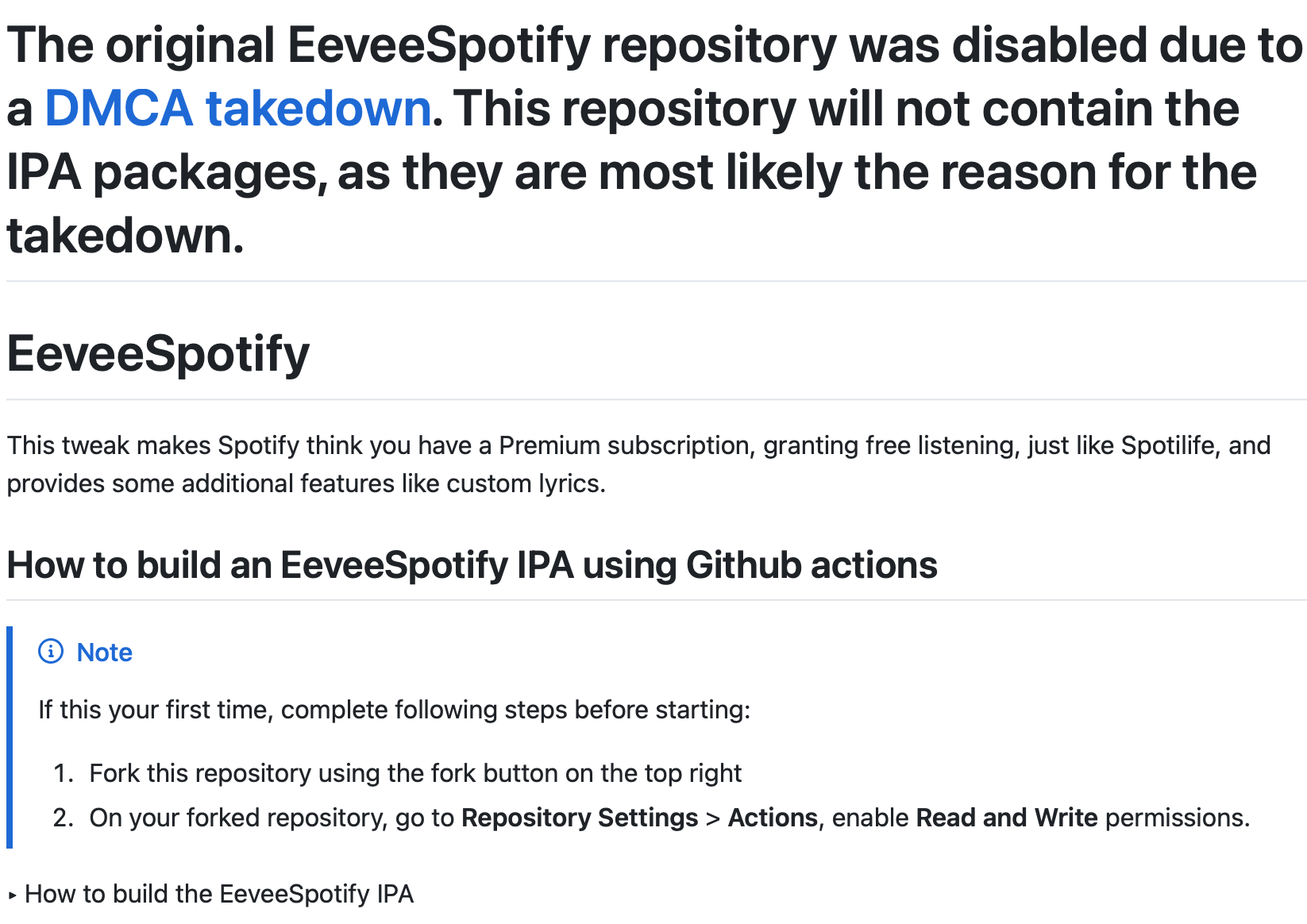
However, the original EeveeSpotify repository on Github was disabled due to a DMCA takedown. The developer posted a new repository on GitHub offering the same functionality, but with a key difference. EeveeSpotifyReborn does not include the IPA packages containing Spotify’s copyrighted code. Users now need to build an EeveeSpotify IPA using the complex Github actions. If you don’t know how to build an EeveeSpotify IPA, visit subreddit: https://www.reddit.com/r/eeveespotifyipa/ and someone will always post the newest release within a day or two. Or download from https://apps.apptesters.org.
To sideload EeveeSpotify, you can use either Sideloadly or SideStore.
Option 1. How To Install EeveeSpotify IPA with Sideloadly
If you can access your computer often, we strongly recommend using Sideloadly as SideStore is extremely complicated to set up.
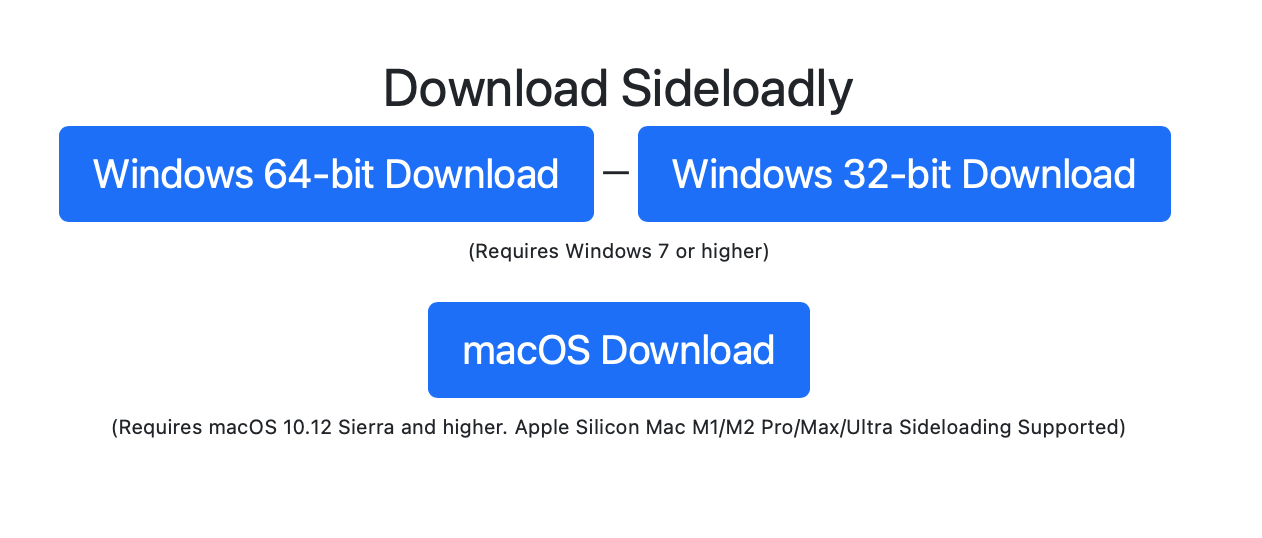
1. Download(https://sideloadly.io) and install Sideloadly on your Mac or Windows.
2. Download EeveeSpotify iPA.
The original EeveeSpotify repository was disabled due to a DMCA takedown. The owner reborned it without IPA packages. Now you need to build an EeveeSpotify IPA by yourself using Github actions. Or download the IPA directly from https://pixeldrain.com/l/W2aQt9aW or https://apps.apptesters.org, posted on reddit r/eeveespotifyipa.
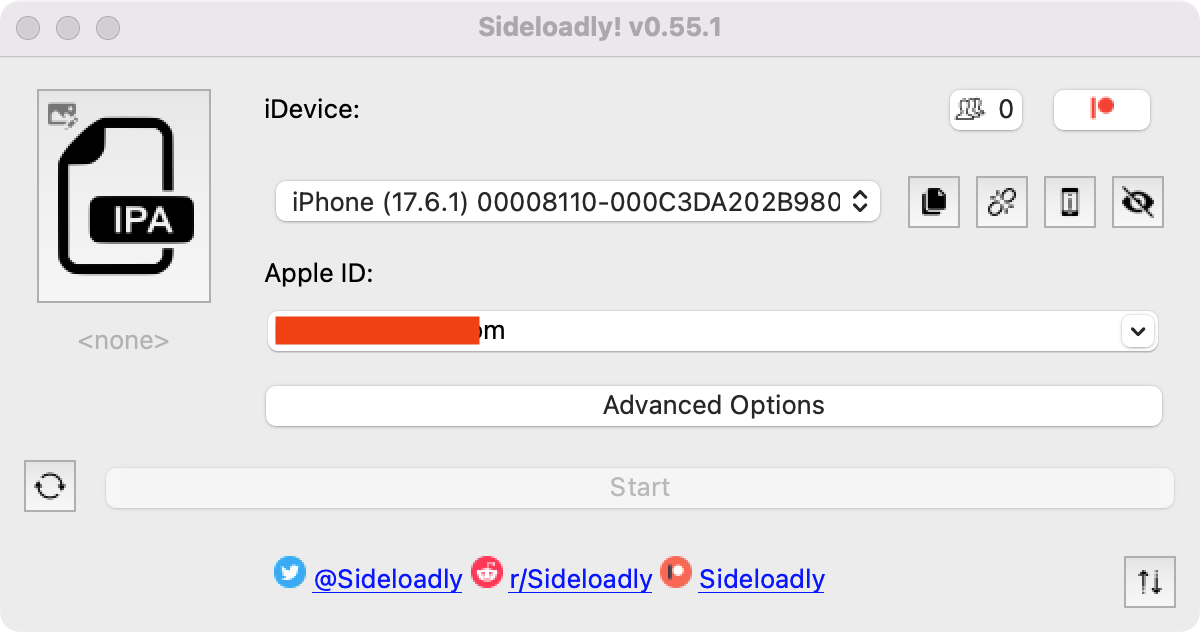
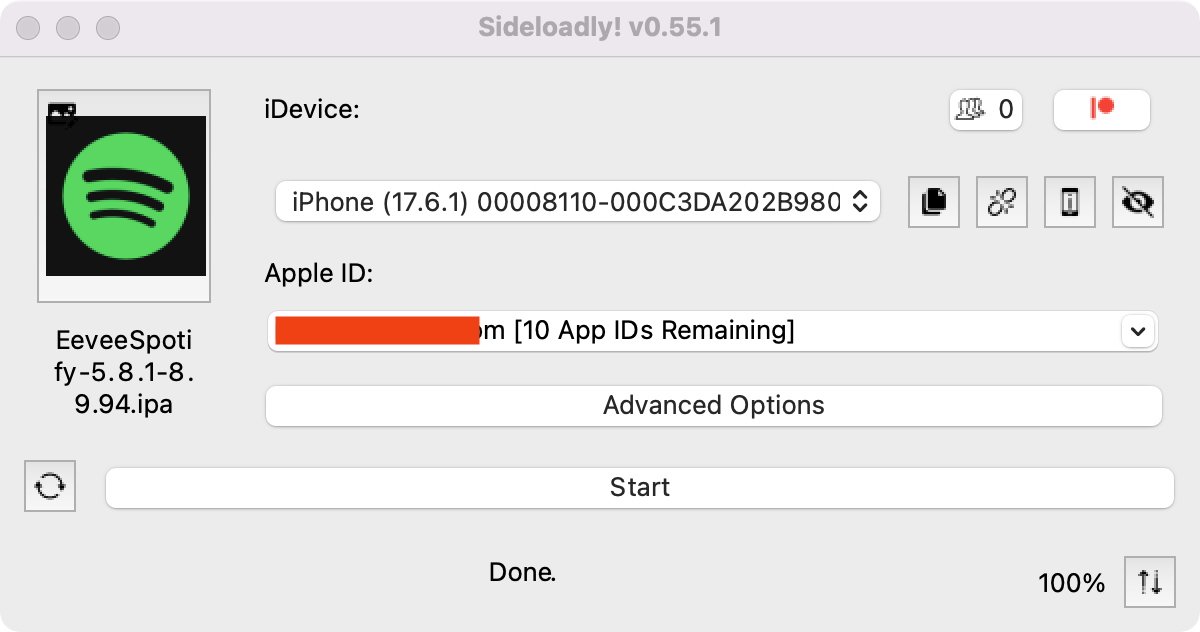
3. Connect your iPhone to your Mac/Windows with USB cable. Run Sideloadly.
4. Drag and drop Spotify++ ipa into Sideloadly. Enter your Apple ID. Press start and wait.
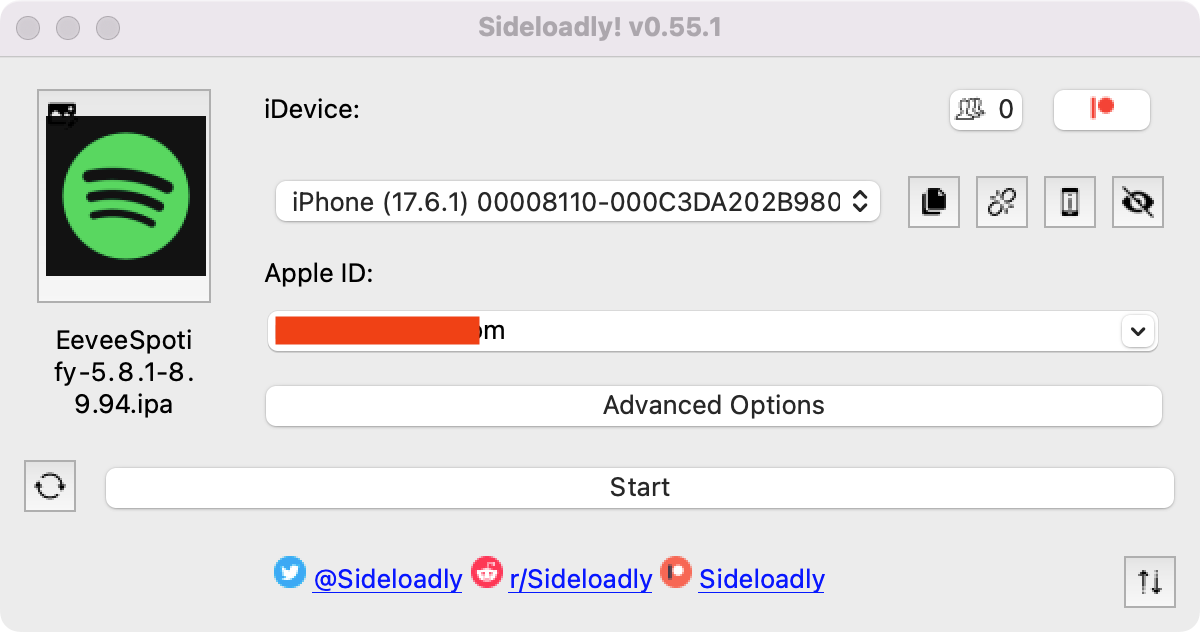
5. Now Spotify++ is successfully installed on your iPhone.
6. Go to Settings - General - VPN & Device Management, and trust your Apple ID.
7. Go to Settings- Privacy & Security, and at the bottom turn on Developer Mode.
8. Restart iPhone.
9. Open Spotify mod app, log in your account and start ad-free streaming.
Option 2. How To Install EeveeSpotify IPA with SideStore
Step 1. Install SideStore on you iPhone or iPad
SideStore is an iOS application that allows you to sideload any .ipa files onto your iOS device without jailbreak. SideStore resigns apps with your Apple ID, and then uses a specially designed VPN in order to trick iOS into installing them.
However, you can't install SideStore on you iPhone or iPad from App Store. You will need a Mac or Windows computer to install SideStore on you iPhone or iPad, here we will take Mac as example. To get started, you will need:
- A Mac running macOS 10.15 or later
- An iCloud account (a burner account is recommended)
- An Internet connection
- An iPhone or iPad with iOS 14 or iPadOS 14 or later
1. Install SideServer on your Mac.
Download SideServer on your Mac. Open the downloaded file and drag SideServer.app to your Applications folder. Then open the app. You may need to right click and select "Open" if you get a warning.
SideServer for Mac
SideServer for Windows
2. Install SideStore on your iPhone or iPad.
- Connect your iPhone or iPad to your computer via a cable
- Launch SideServer and click Install SideStore from the SideServer icon in the menu bar
- Follow the instructions to install SideStore on your iPhone/iPad (you may need to enter your iCloud account login details)
- If you are running iOS or iPadOS 16 or higher, enable Developer Mode to use sideloaded apps
- Open Settings
- Tap “Privacy & Security”
- Scroll to the bottom, and toggle Developer Mode on
- Open Settings > General > VPN & Device Management on your device and approve the Developer App with your Apple ID's email.
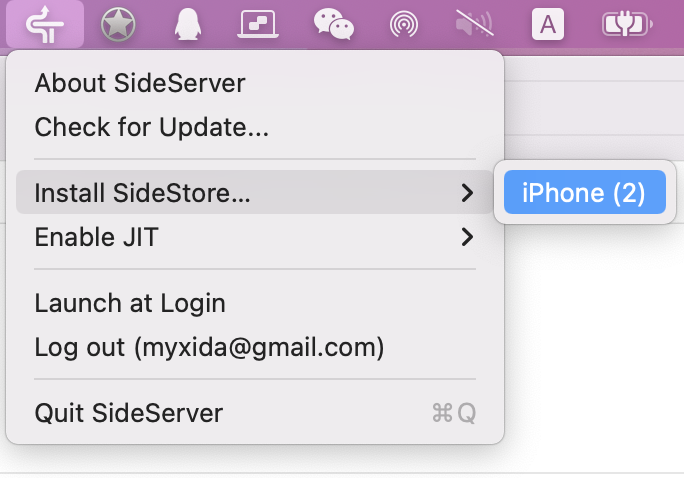
3. Install WireGuard VPN app on your iPhone or iPad.
- Install the WireGuard VPN app from App Store on your iPhone or iPad.
- Download SideStore's WireGuard configuration and "share" it to the WireGuard app.
- You'll have to turn on WireGuard VPN every time you want to use SideStore to sideload apps. You can turn it off when you're done.
4. Sign in SideStore
- Open SideStore and sign in with the same Apple ID you used to install SideStore.
- Go to the My Apps tab and refresh the SideStore app itself once.
- You can now install apps from the Sources tab or any other .ipa file you have.
Step 2. Install Spotify MOD IPA on you iPhone or iPad with SideStore
1. Download Spotify IPA on your iPhone or iPad.
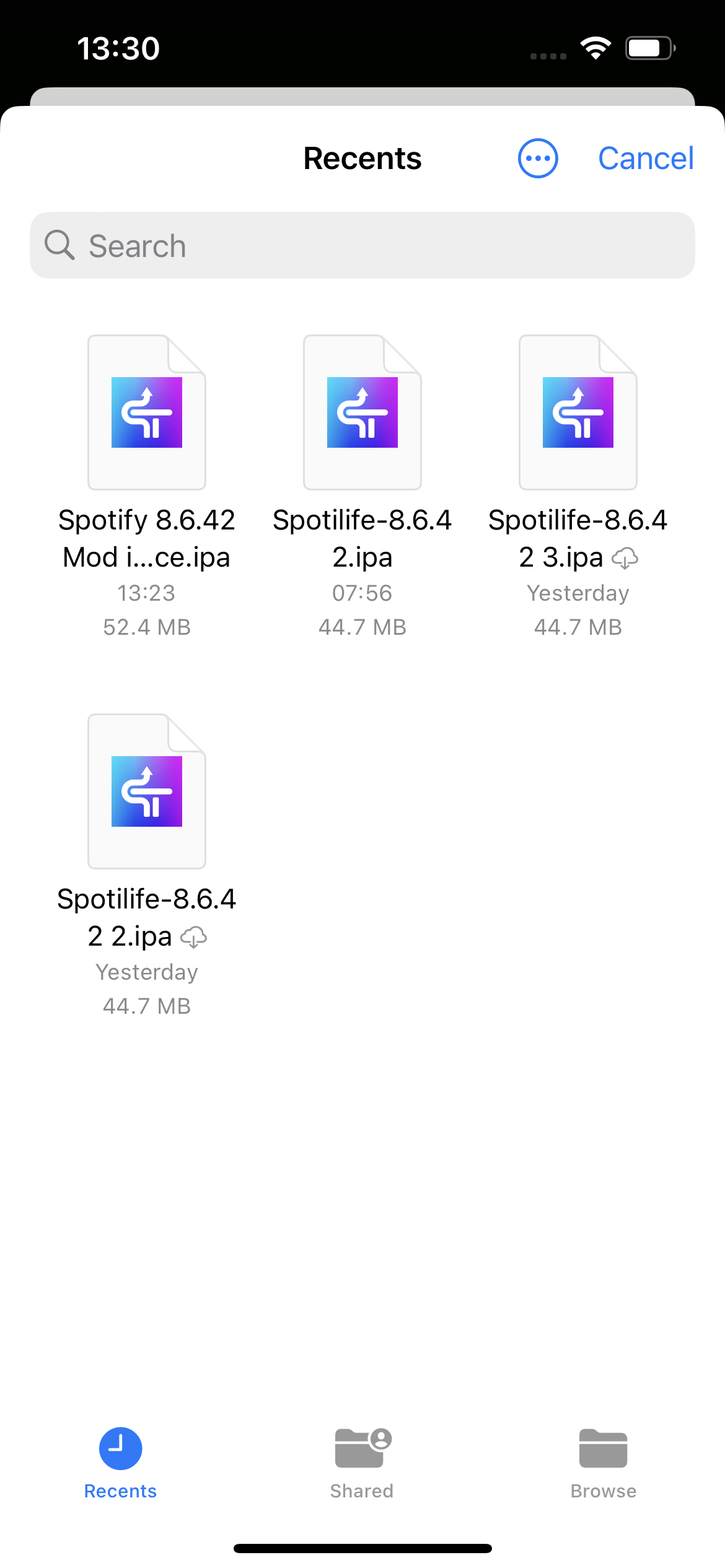
2. Open SideStore app and tap My Apps on the bottom, then tap the + icon on the top left corner to choose the Spotify MOD IPA file. Make sure WireGuard app is turned on.
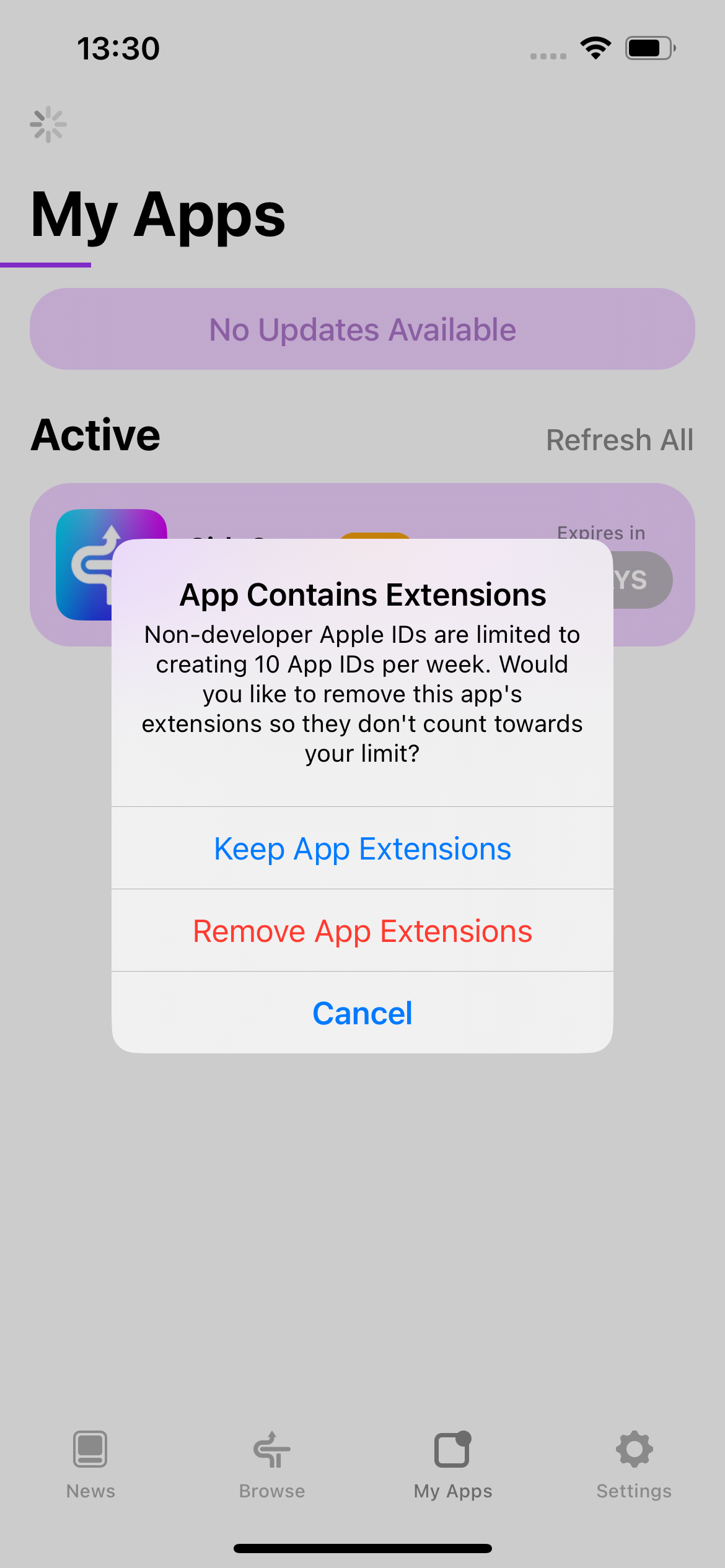
3. Choose Keep App Extensions
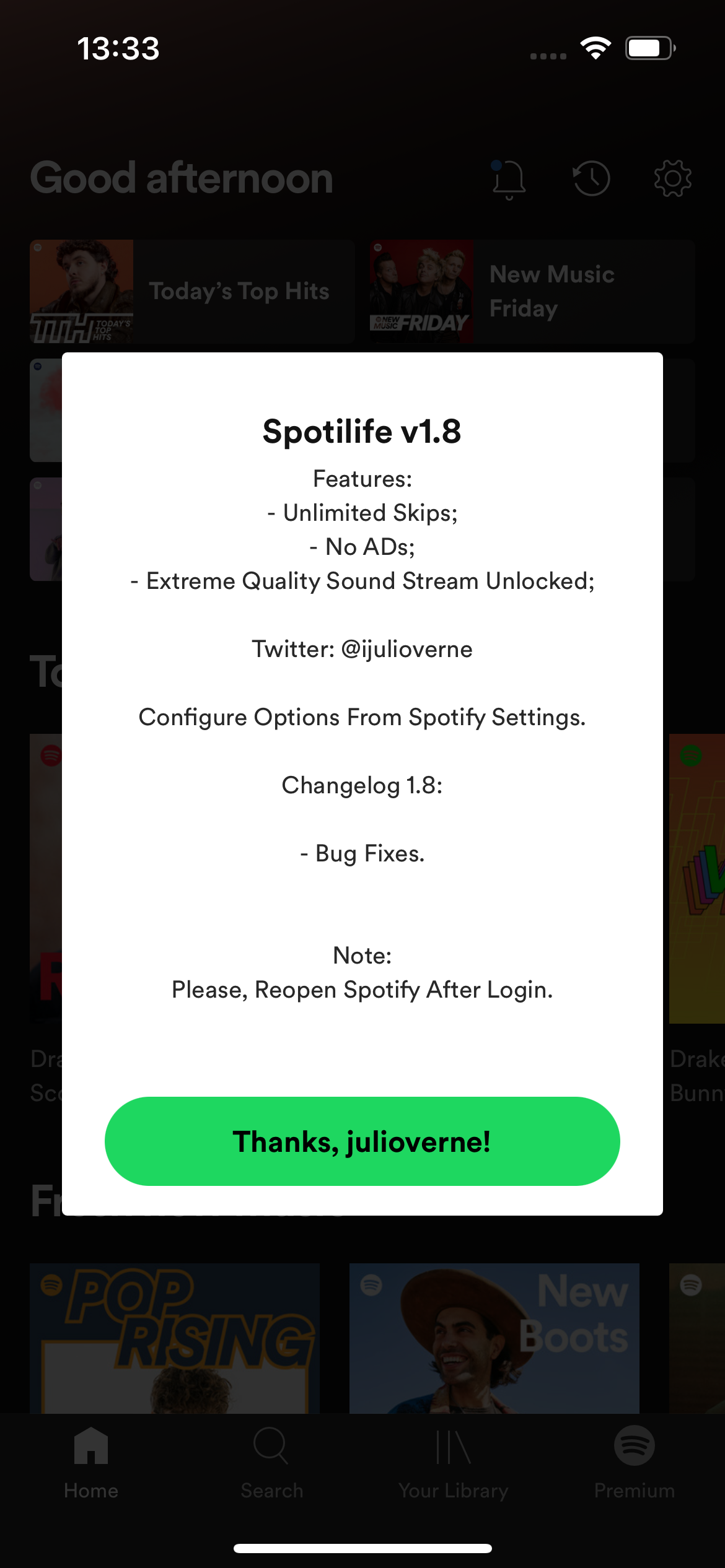
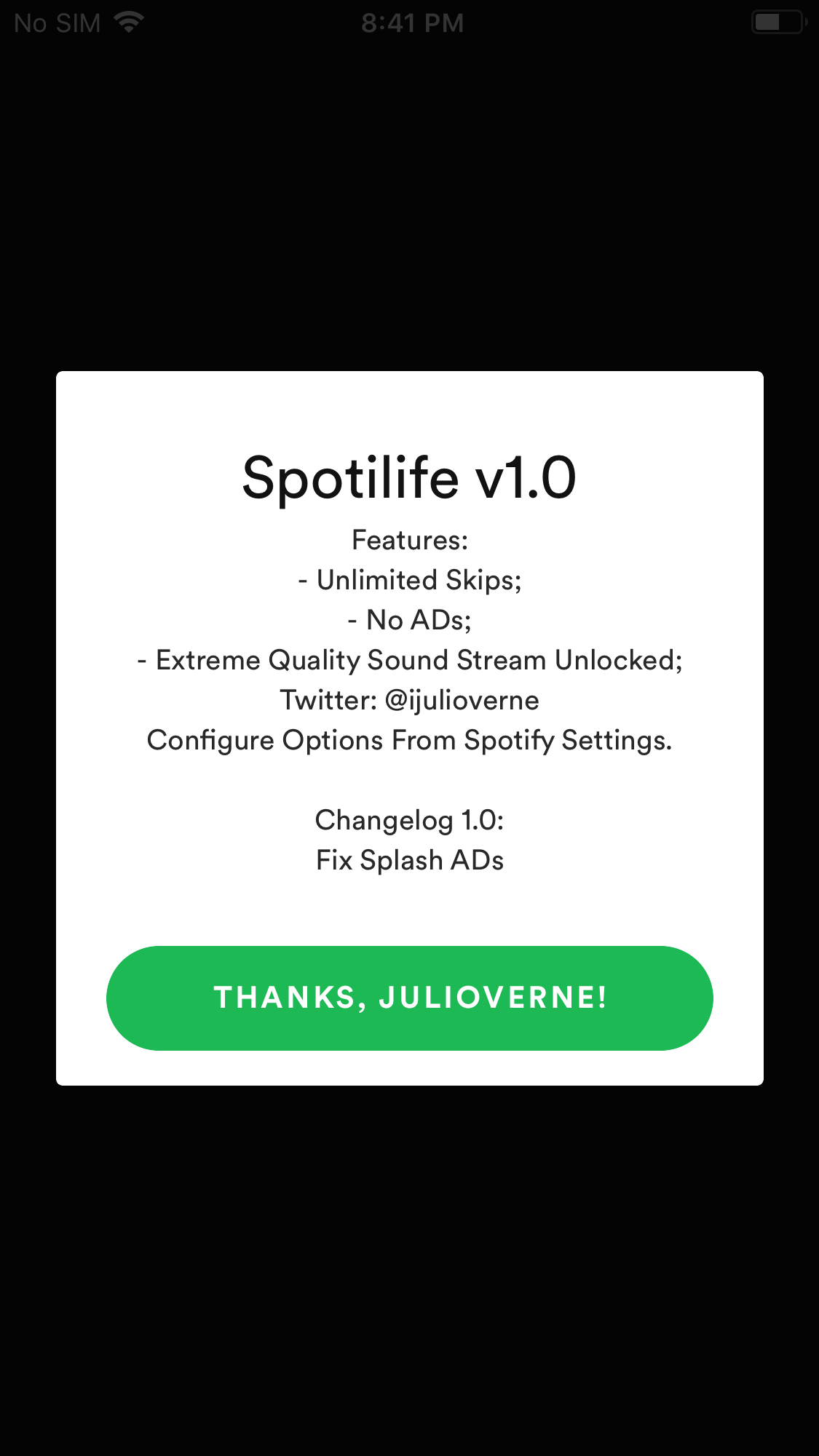
4. Now Spotilife is installed on your iPhone. As you can see from the pop-up, you will get unlimited skips, ad-free treaming and extreme quality. Remember to reopen it after log in.
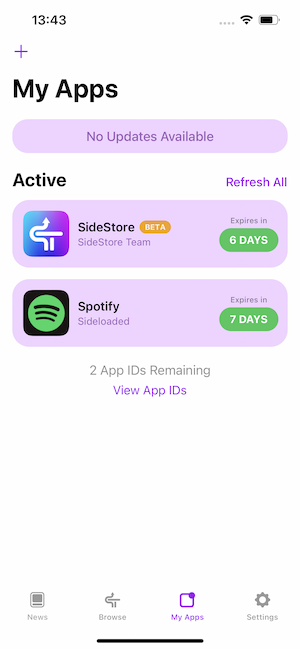
5. Remember to refresh SideStore and Spotify every 7 days.
Note that EeveeSpotify doesn't support downloading Spotify music for offline playback. To download Spotify music without premium , the best option is Ondesoft Spotify Converter, which allows you to easily download Spotify music to MP3 in 320kbps and keep all ID3 tags on Mac/Windows.
How to install Spotify++ from TweakBox? - Currently not working
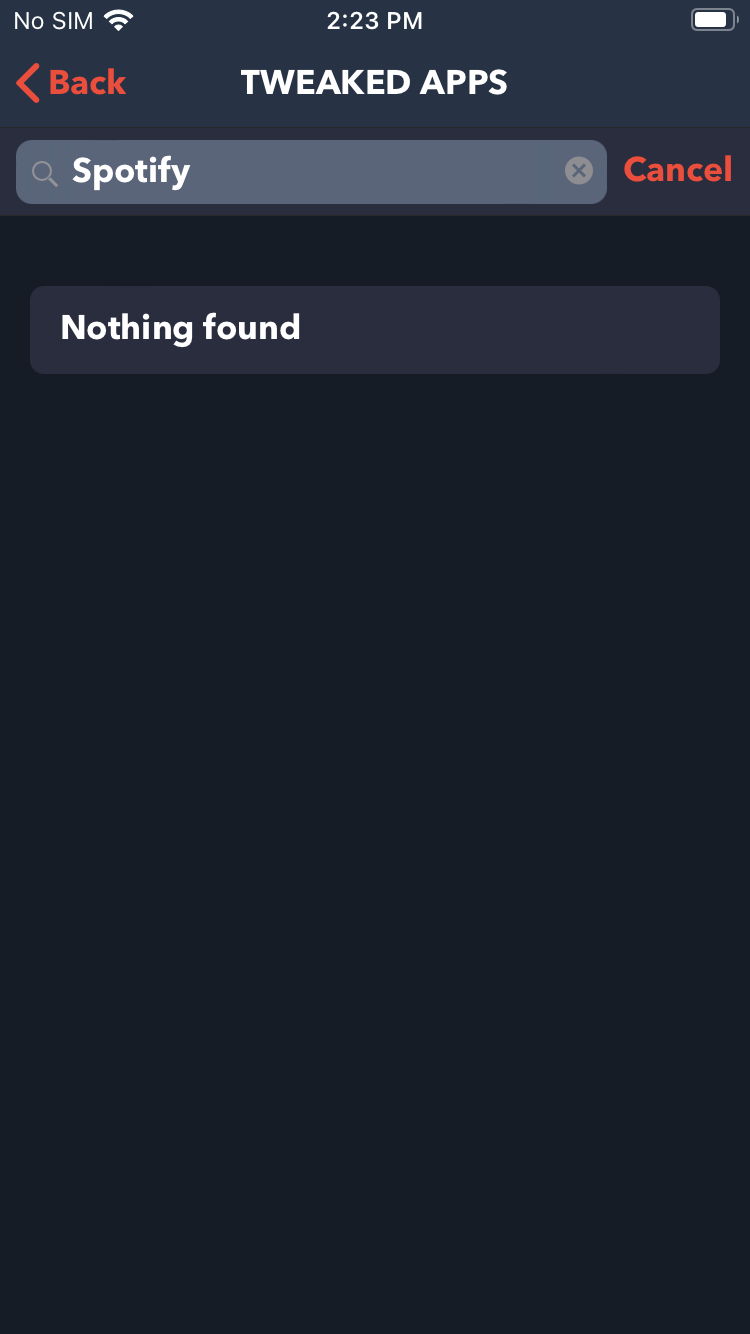
Feb. 2025 Updated: Currently Spotify++ is not available on TweakBox, we will keep this updated.
Check other ways to get free Spotify premium.
First, you need to install TweakBox. If you have installed it, jump to Step 4.
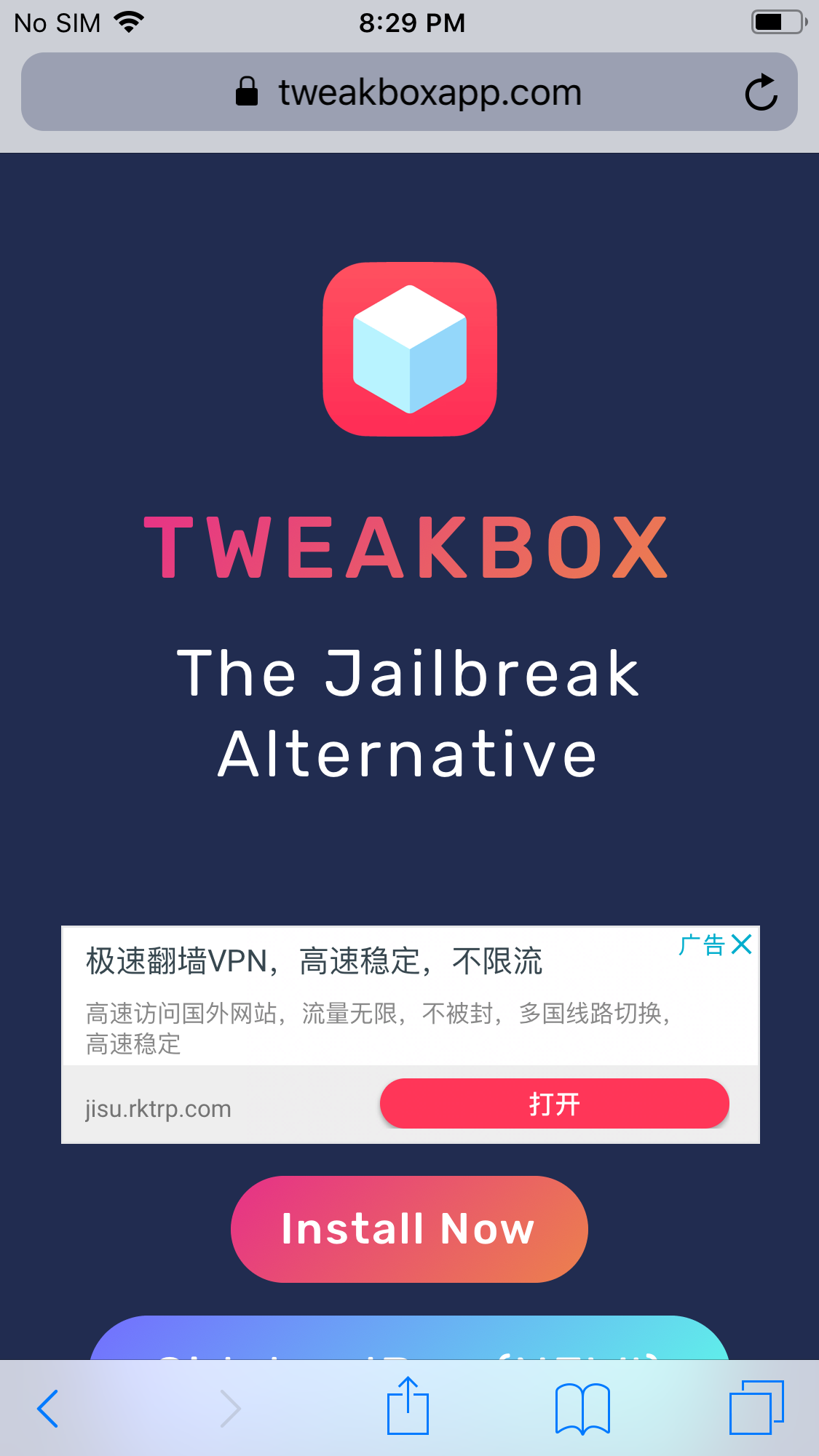
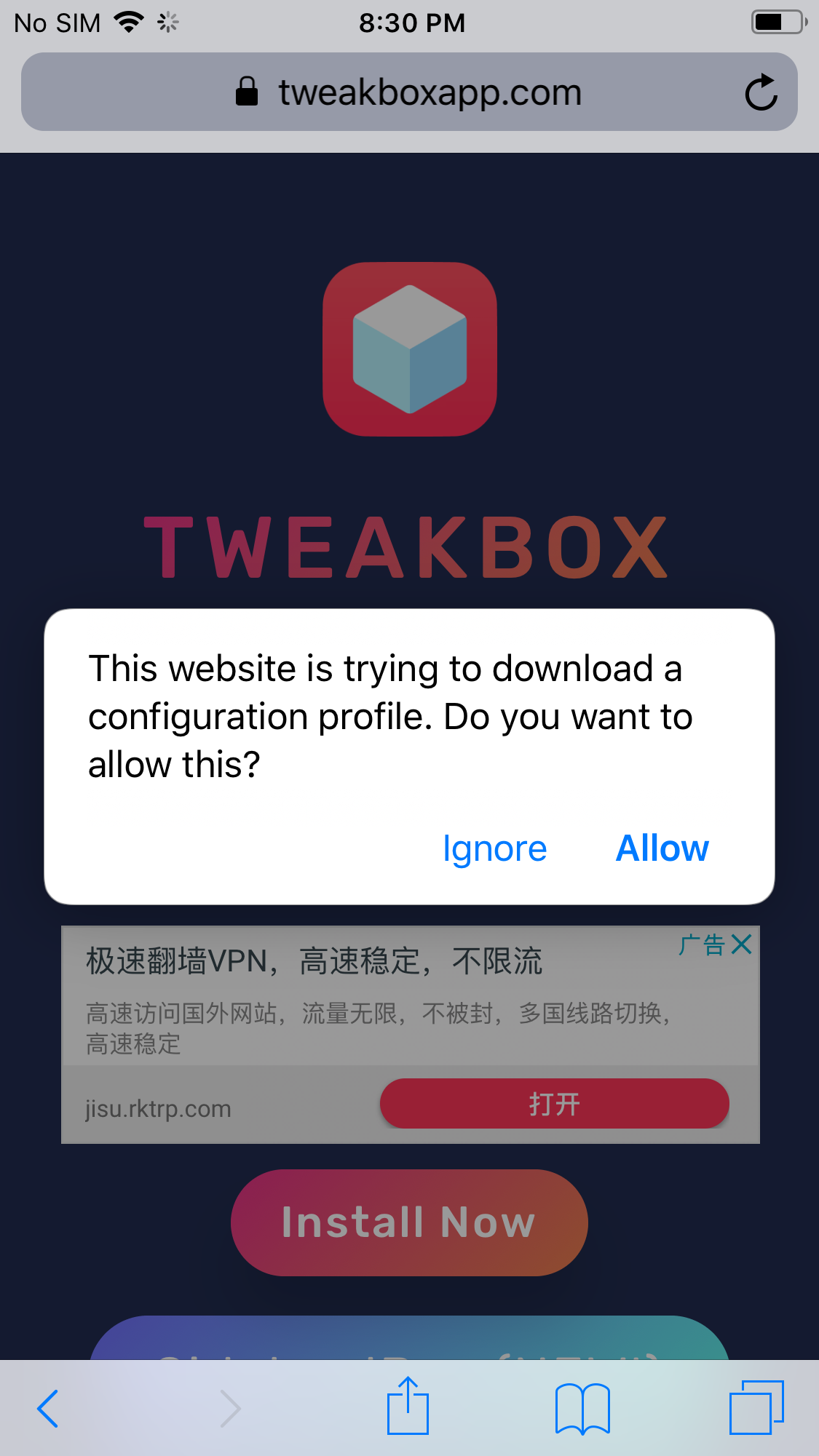
Step 1: On your iPhone or iPad, open Safari and go to TweakBox’s Home Page ( www.tweakboxapp.com ). Click Install Now to install TweakBox app to your iPhone.
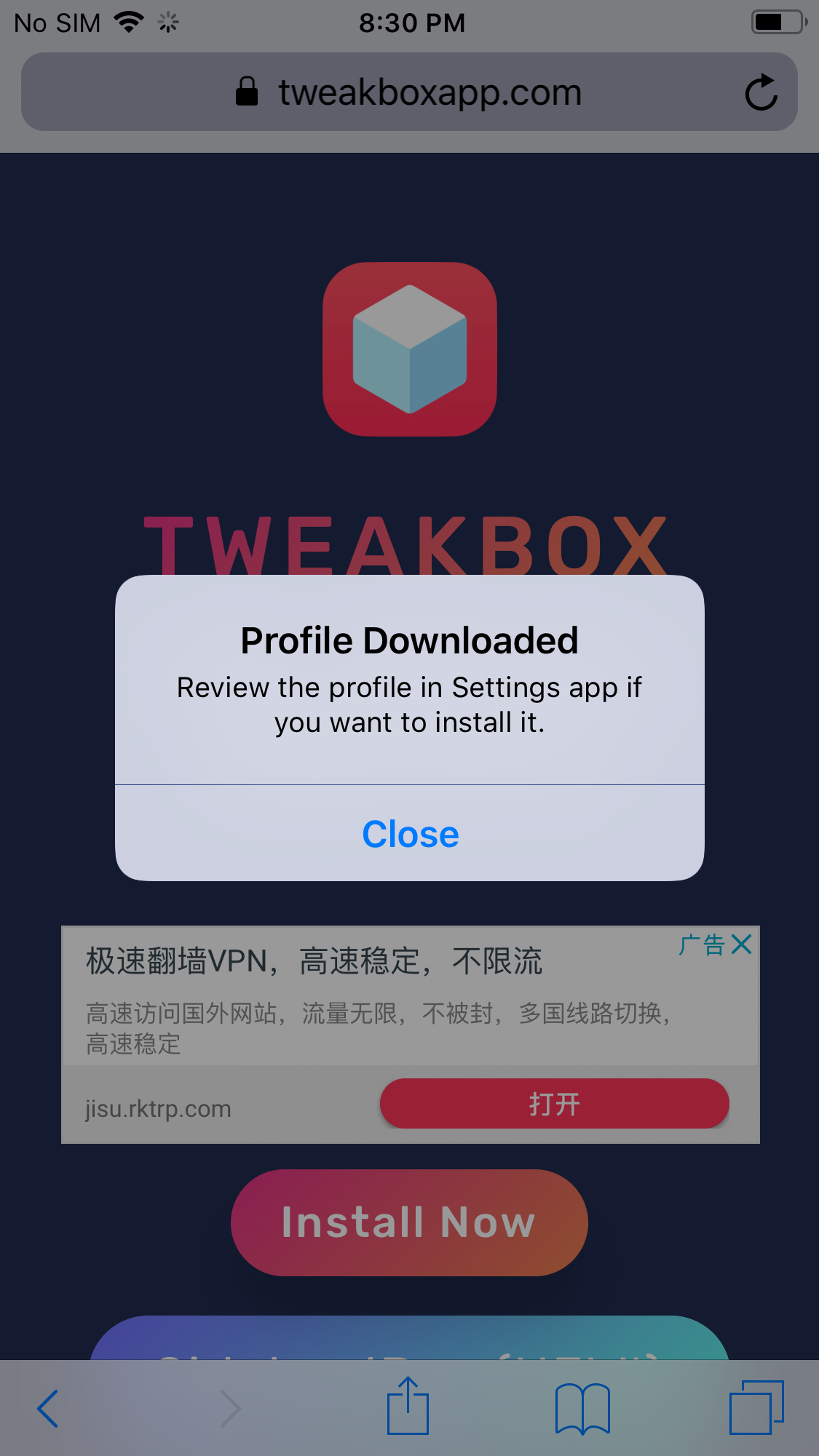
Step 2: Click Allow.
Click Close.
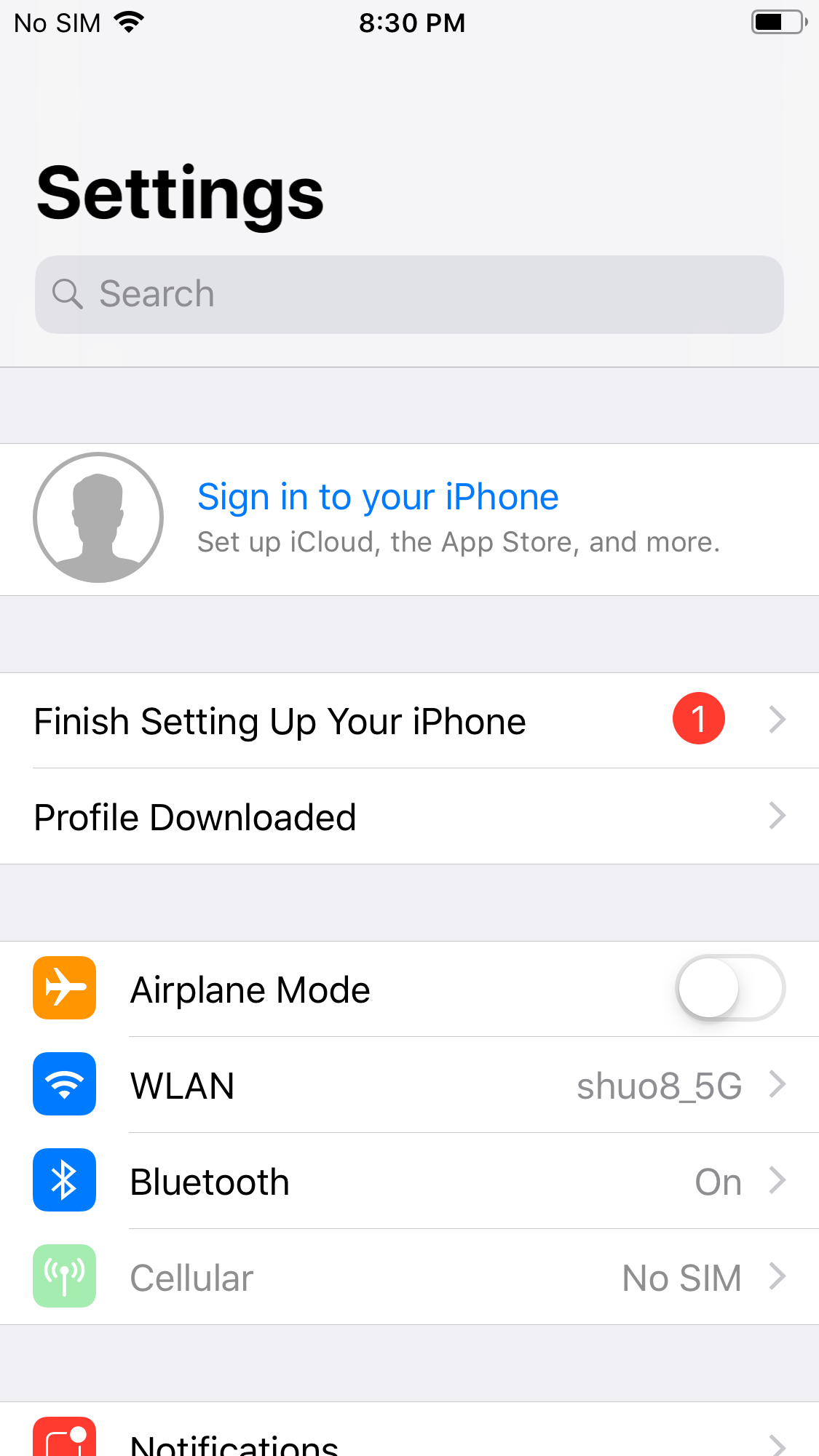
Step 3: Go to Settings - Profile Downloaded.
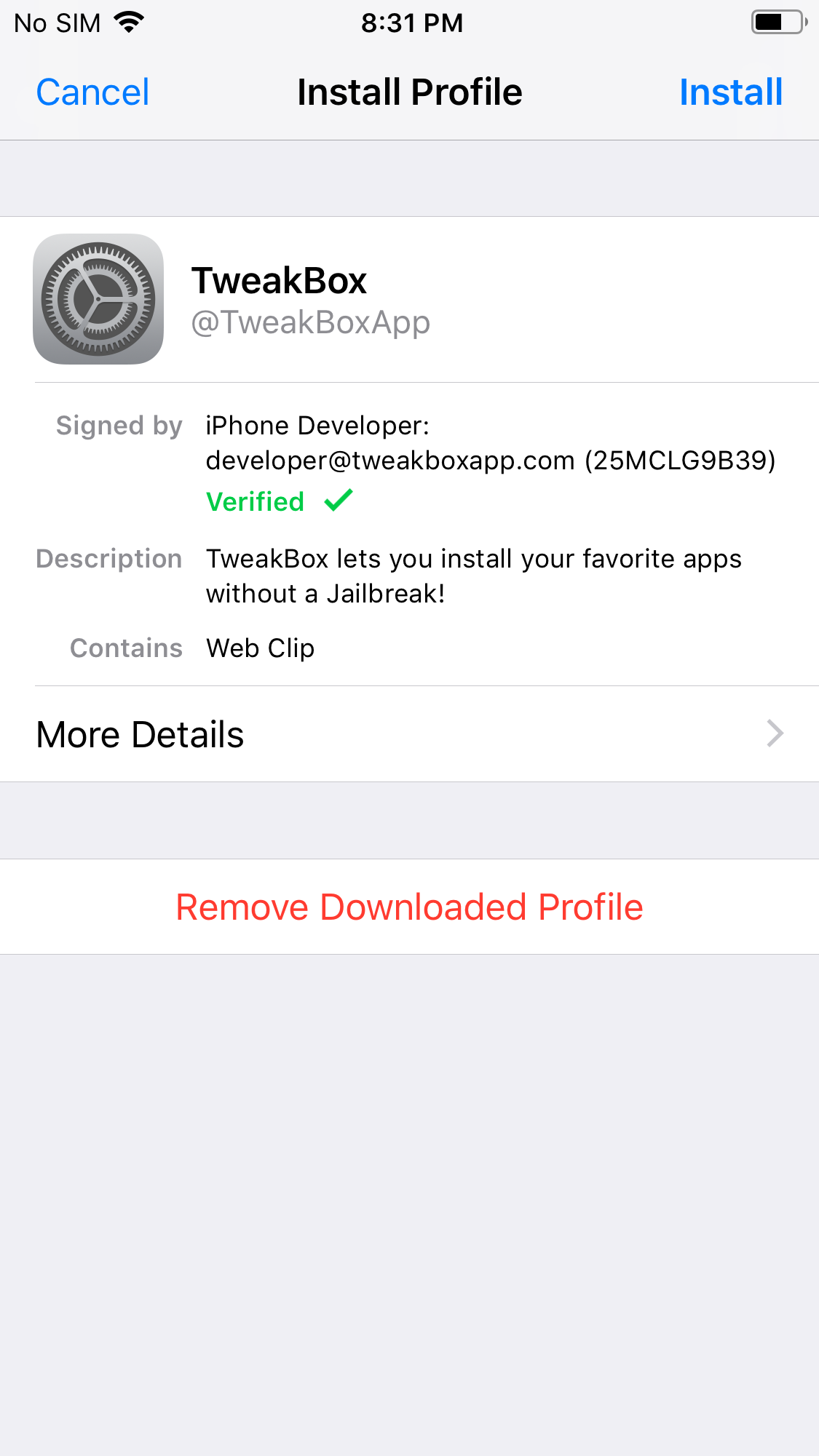
Tap Install.
Tap Done.
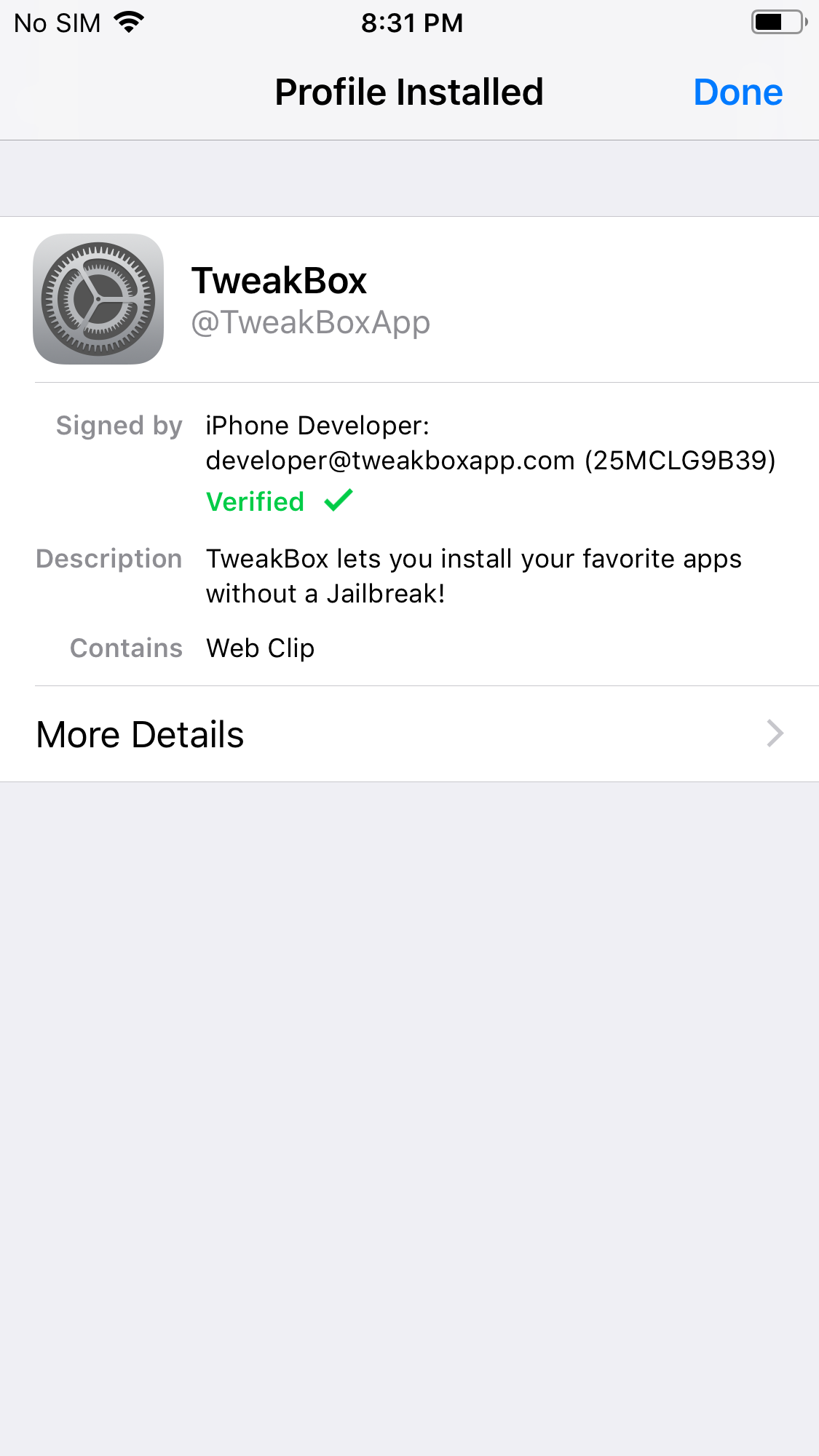
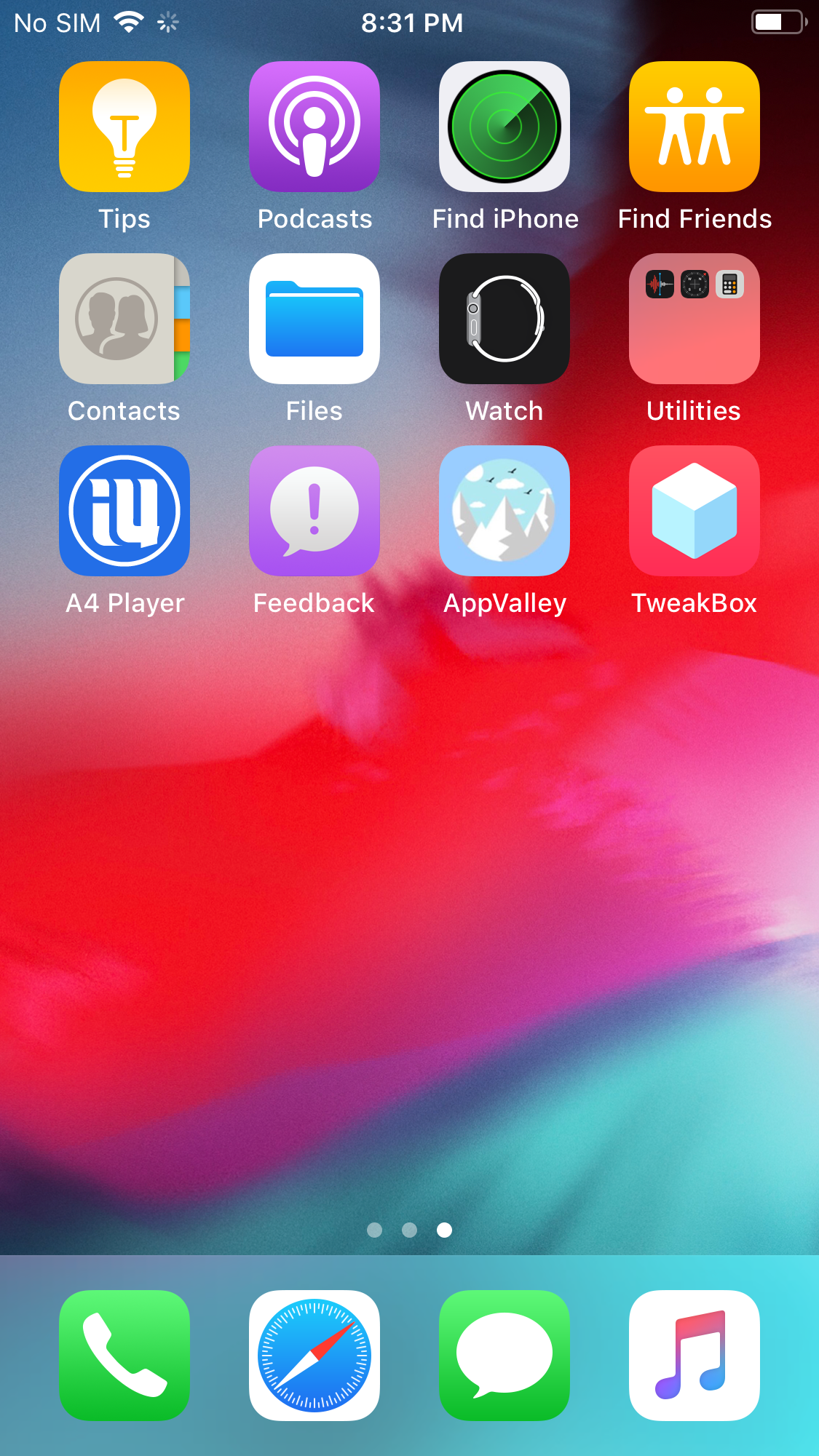
Step 4: Now TewakBox is successfully installed to your iPhone. Open it.
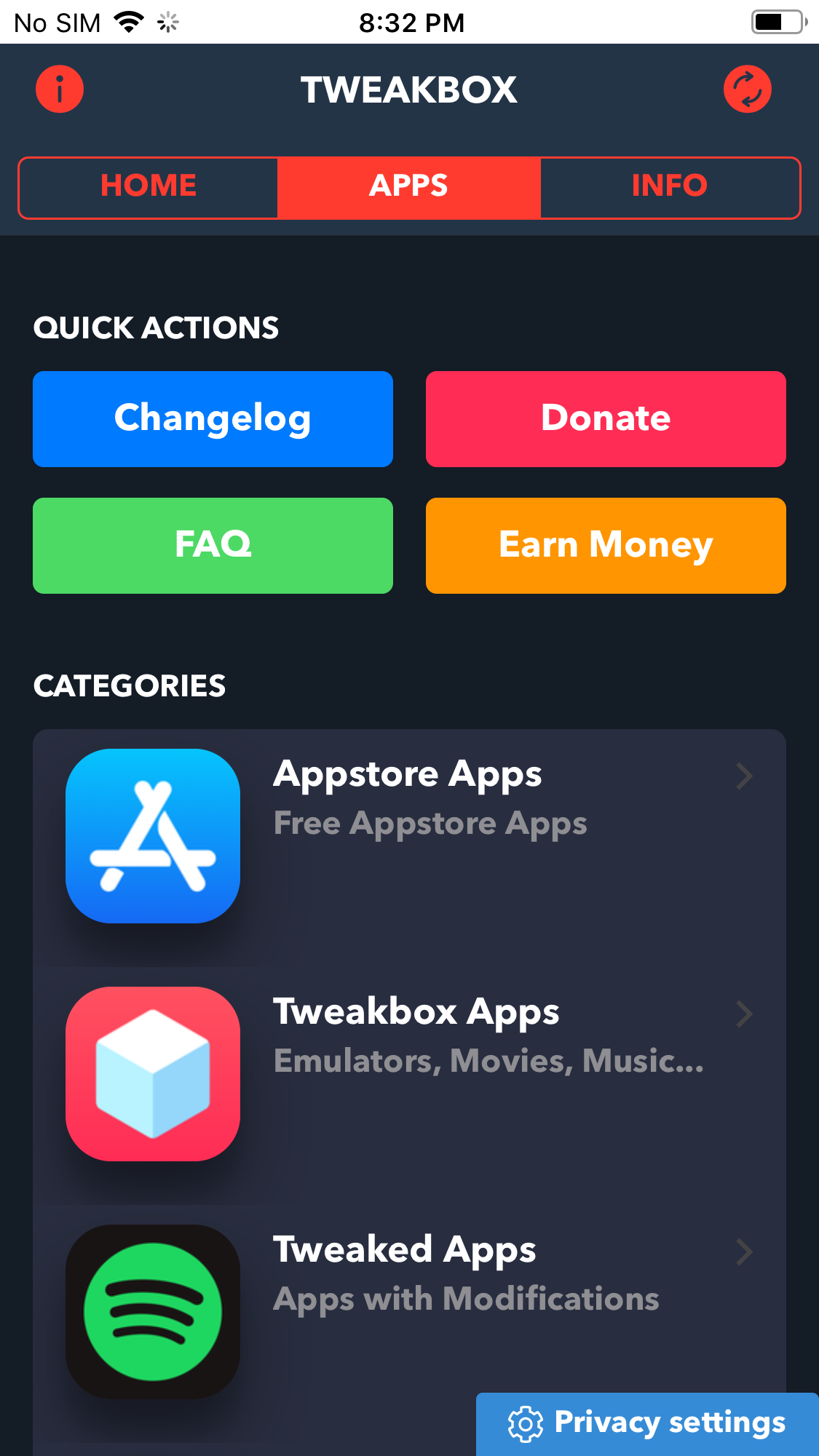
Tap APPS - Tweaked Apps.
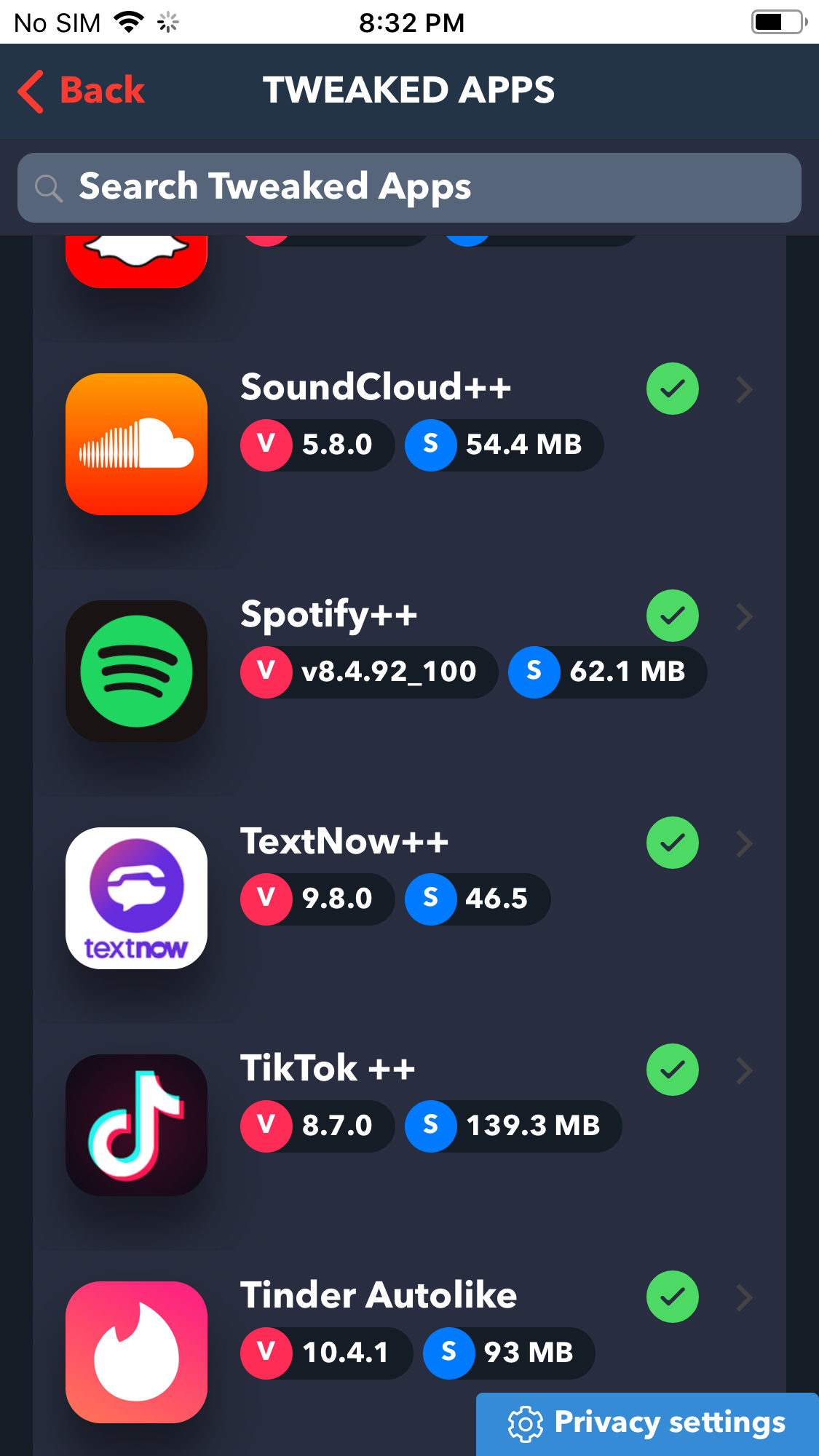
Find Spotify++ and tap it.
Tap Install.
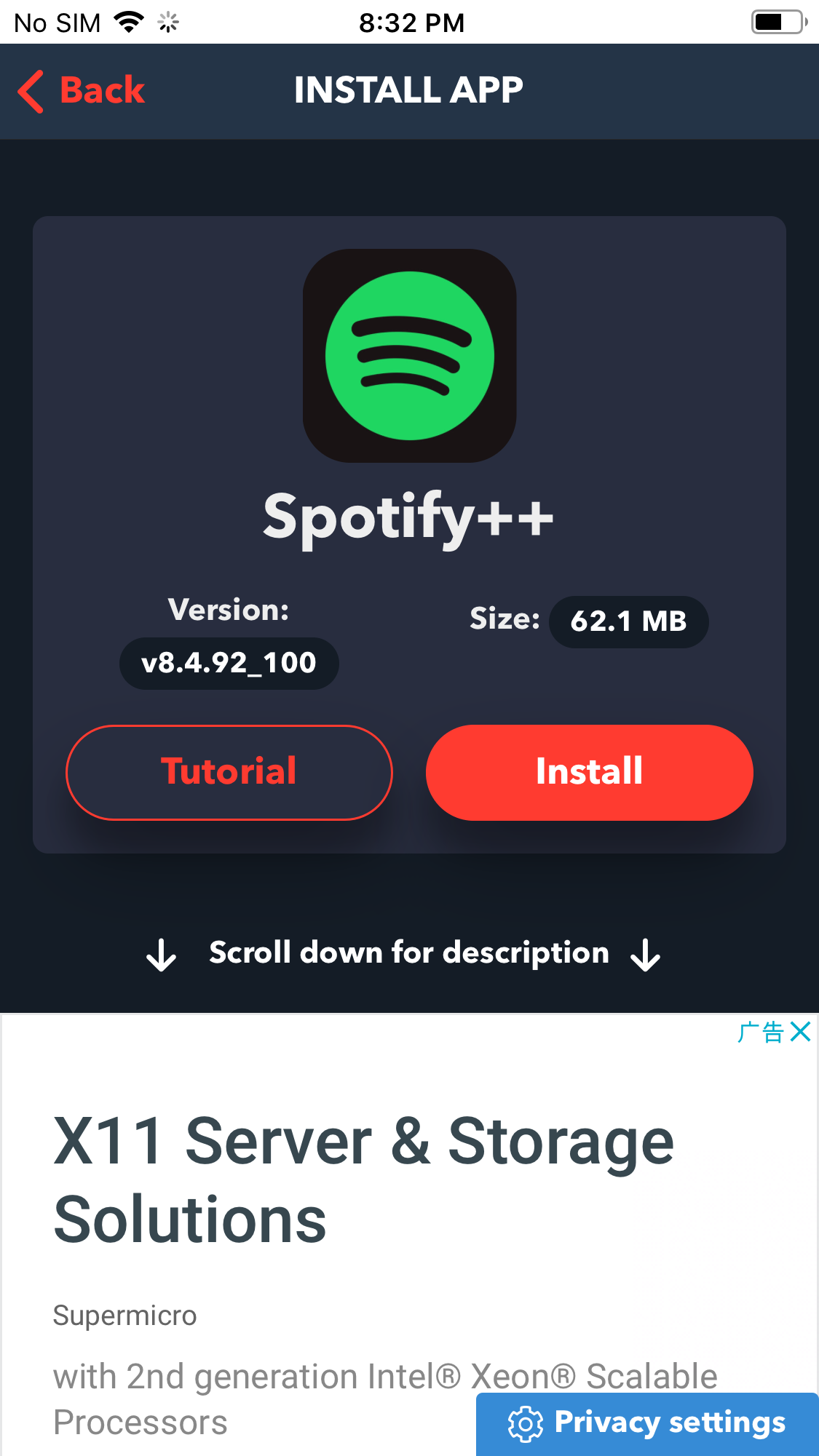
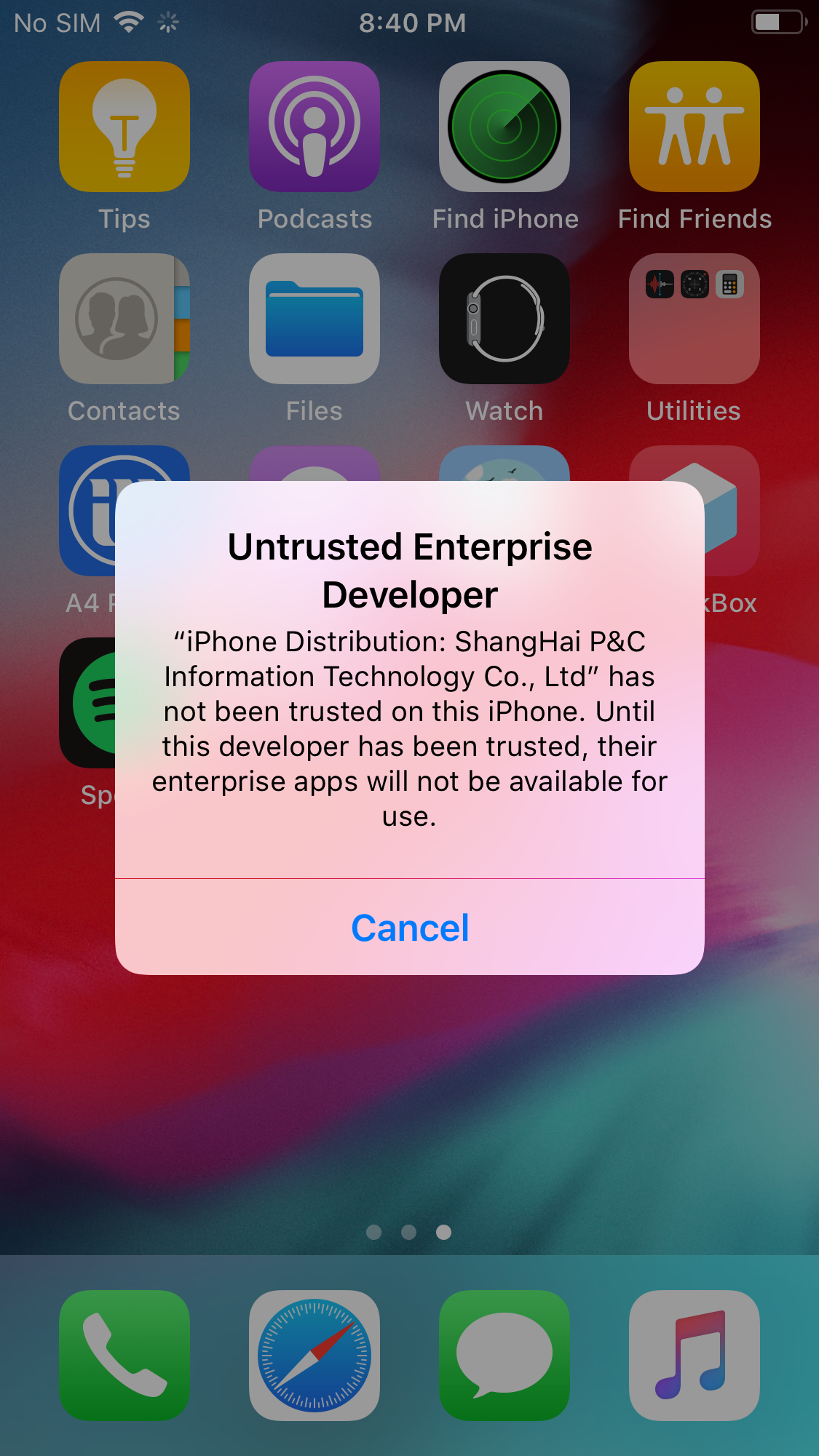
After Spotify++ is installed, tap to open it, you will get below notification. Click Cancel.
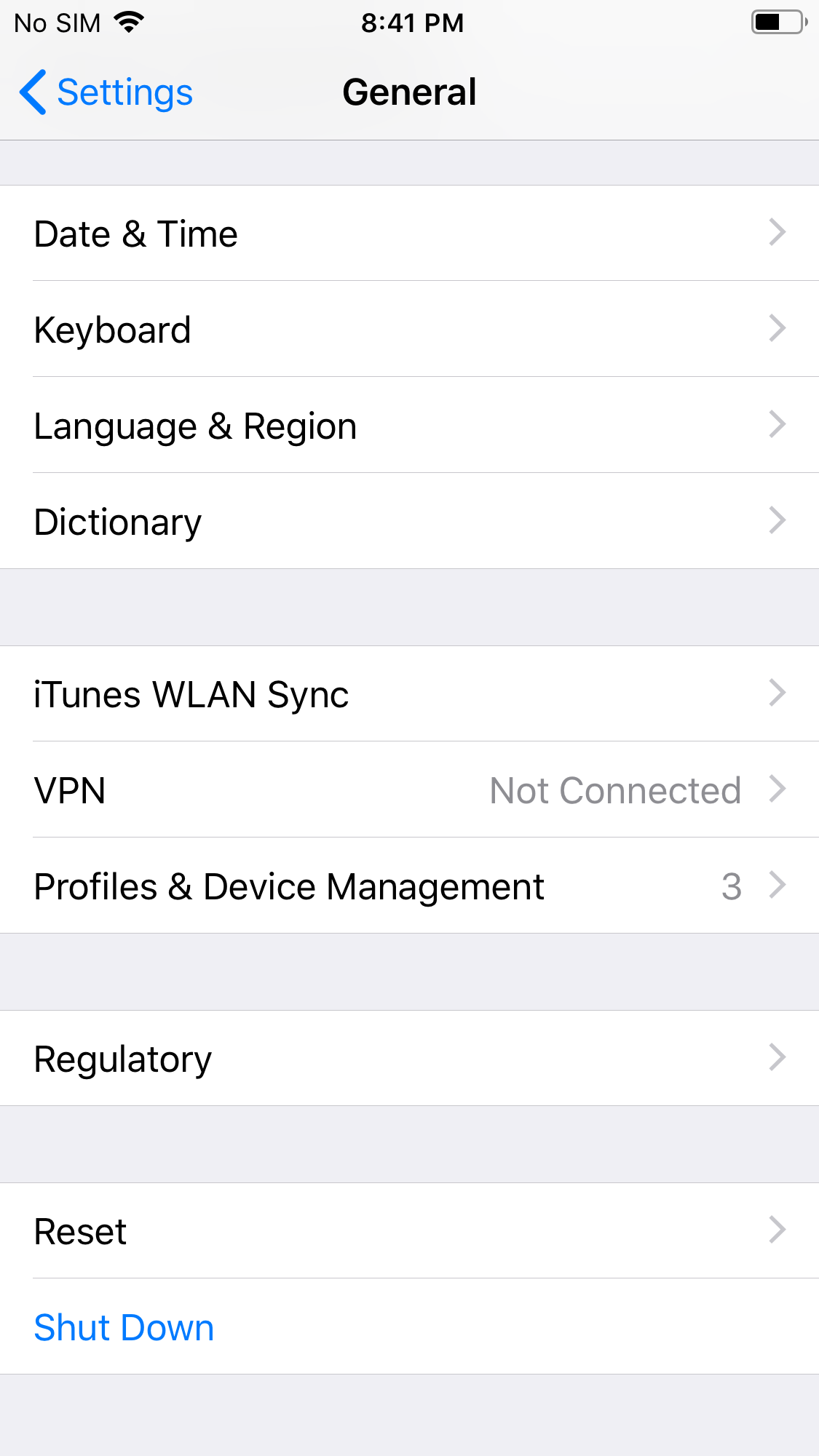
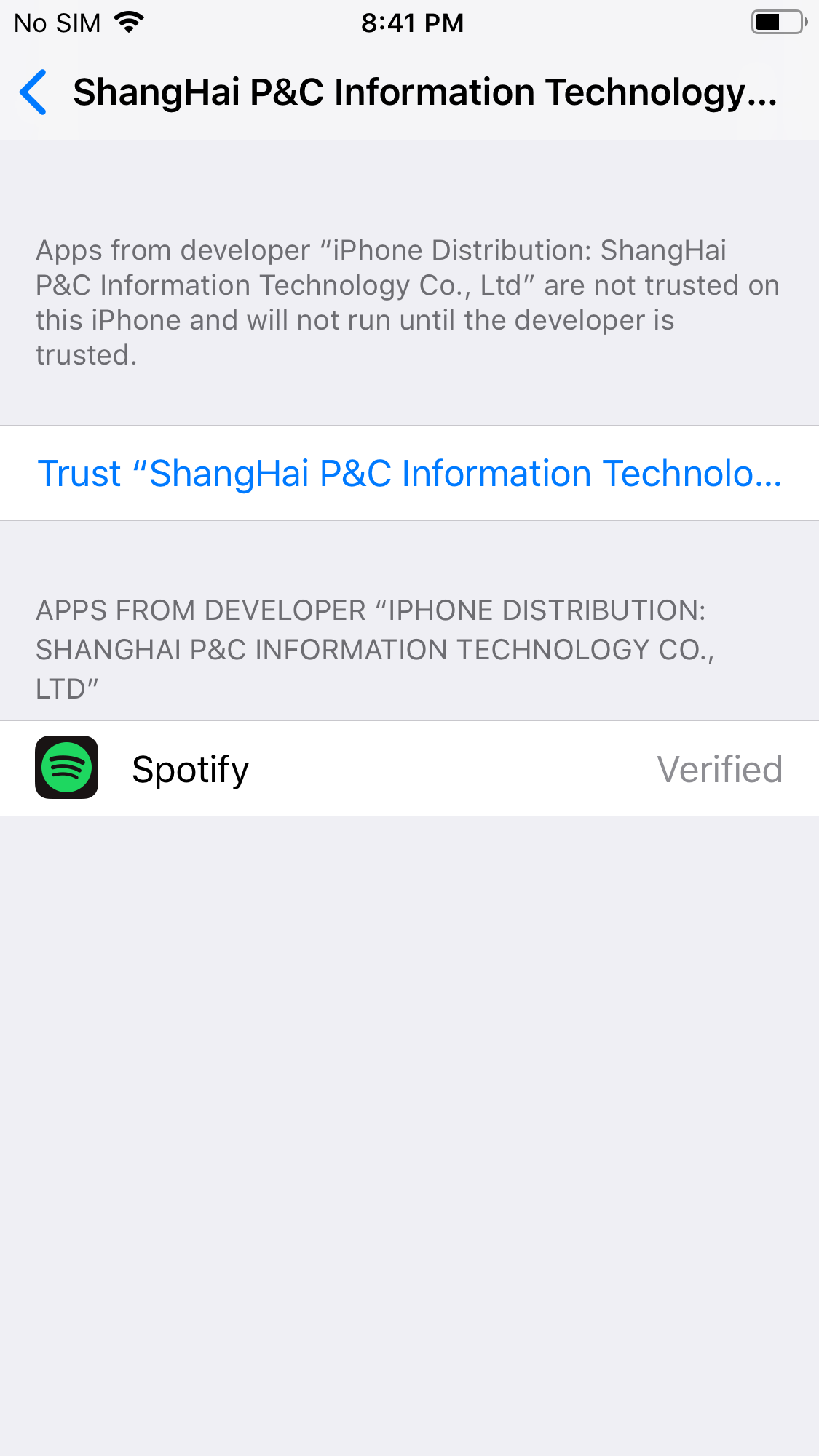
Go to Settings - General - Profiles & Device Management.
Tap Shanghai P&C....
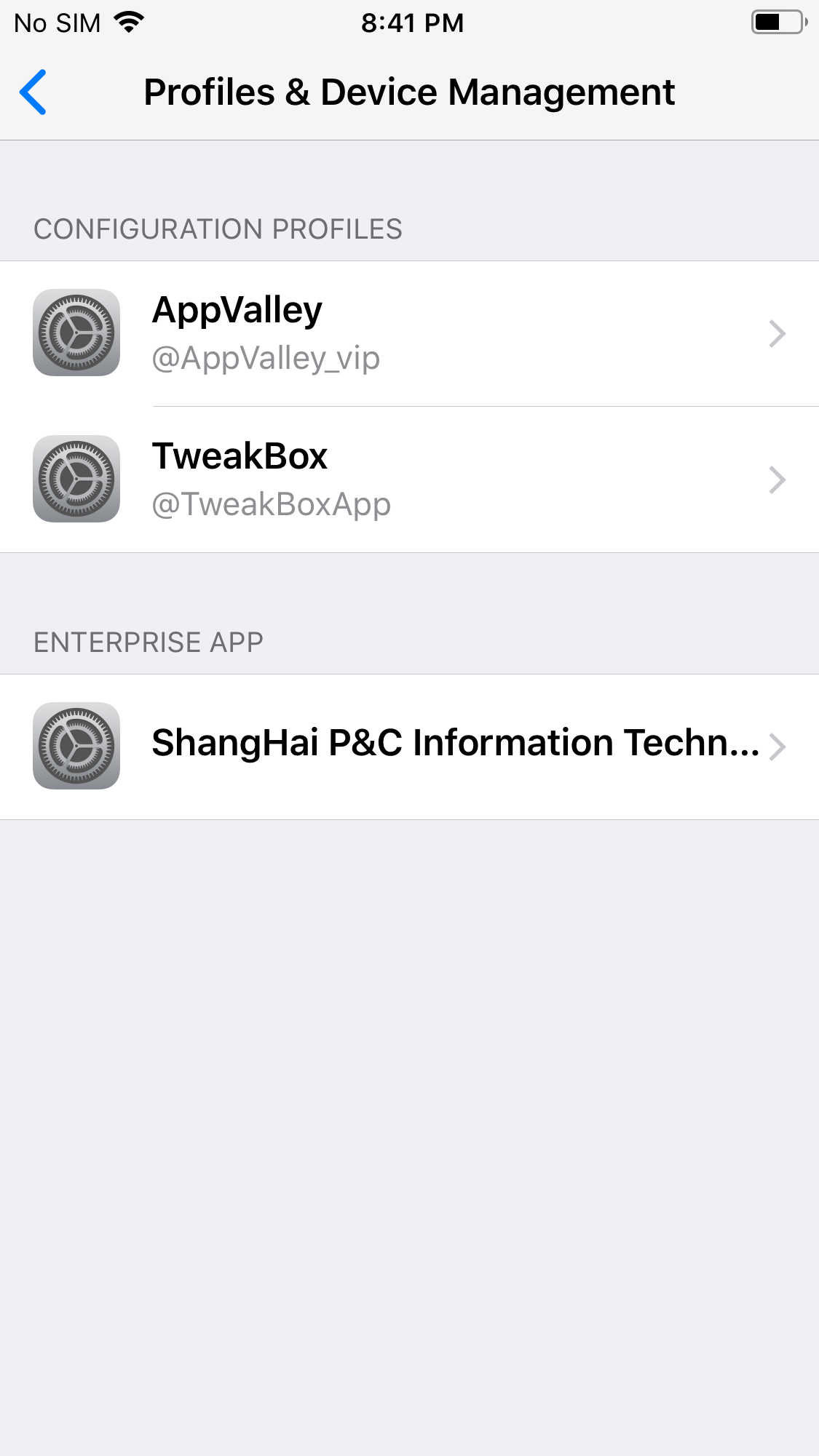
Tap Trust...
Now run Spotify++ again and tap the green Thanks button.
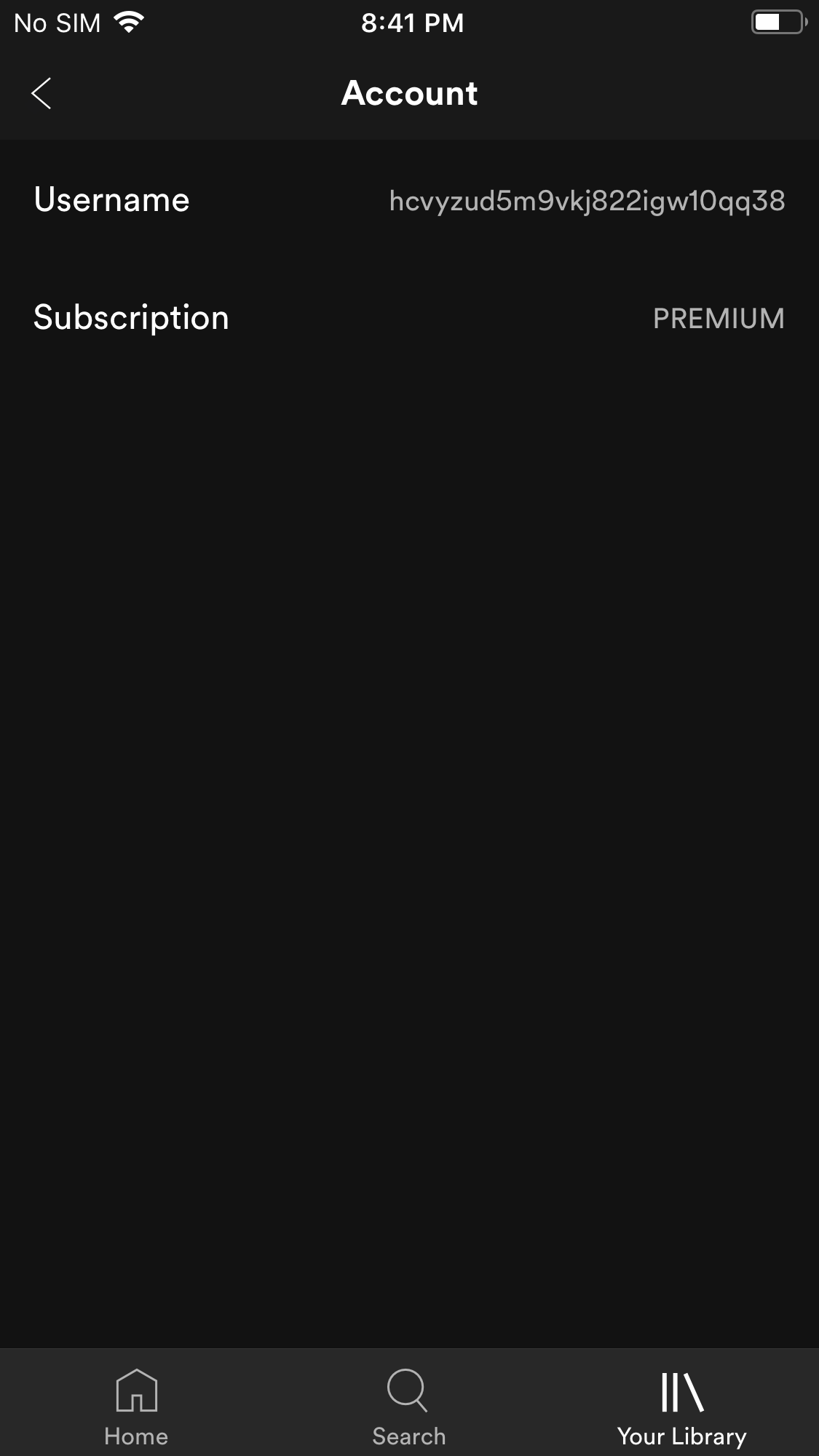
Tap Your Library - Account, you will find you have gotten a PREMIUM account.
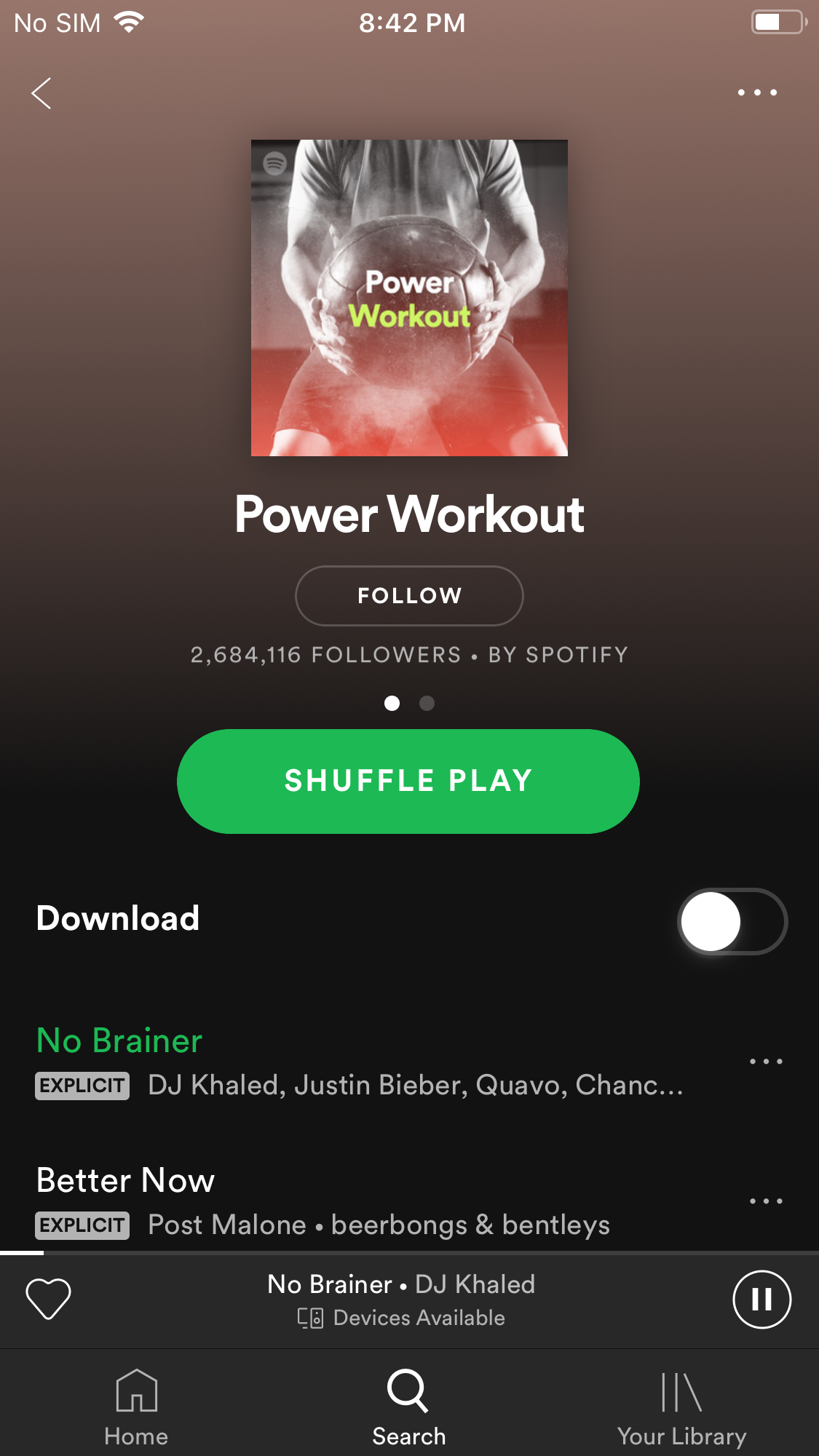
You can play any songs on demand and there is no ads.
Spotify Converter

Download Spotify music to MP3, M4A, etc. with either free or premium account.